
 Explore the app
Skip the QR code
Open the app and connect your account directly. No second screen needed.
Learn more
Connect your account, explore Coins packages, and keep it all within reach. One simple app. No QR code to scan.
Available for Android · Direct APK download
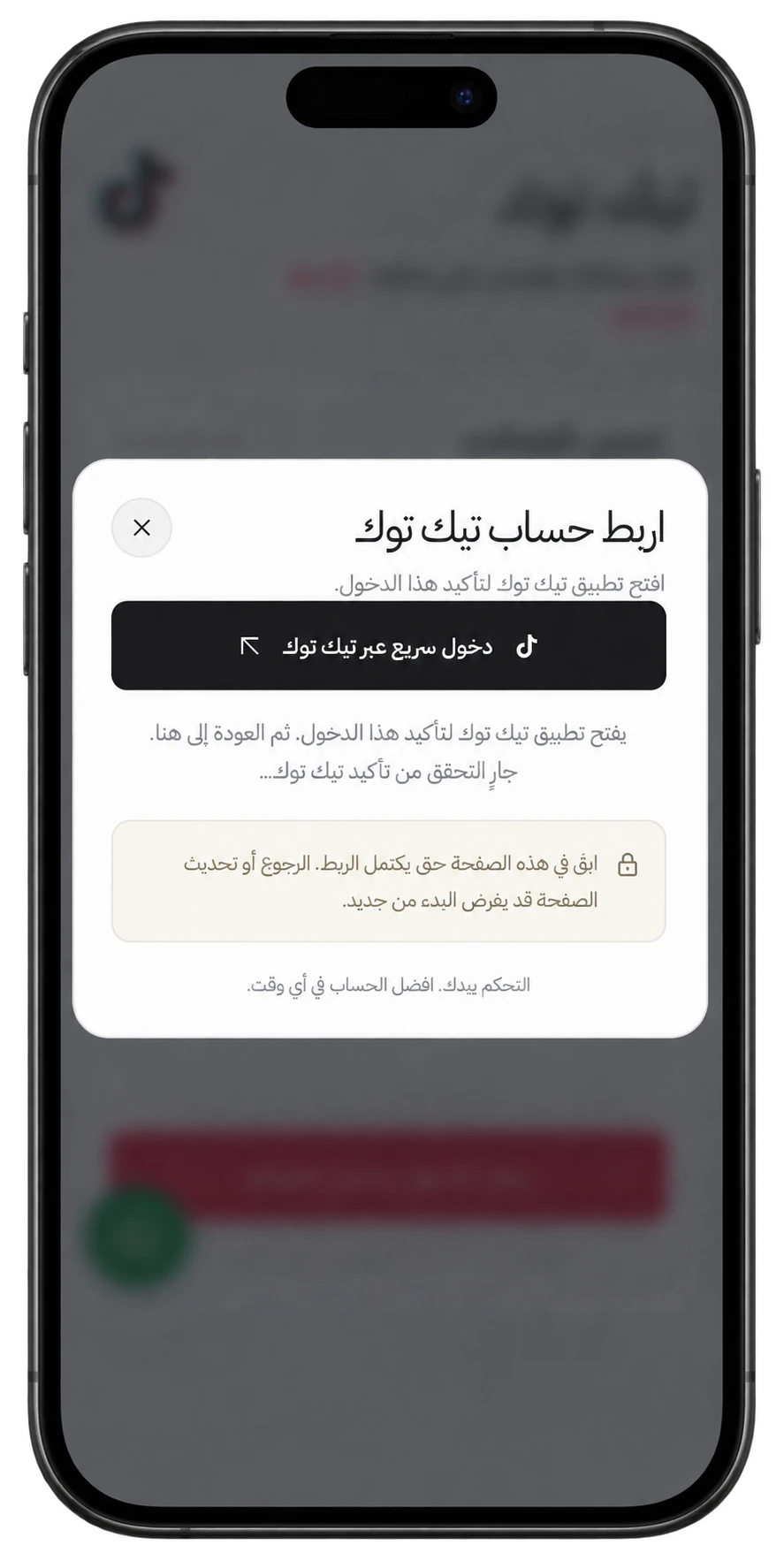
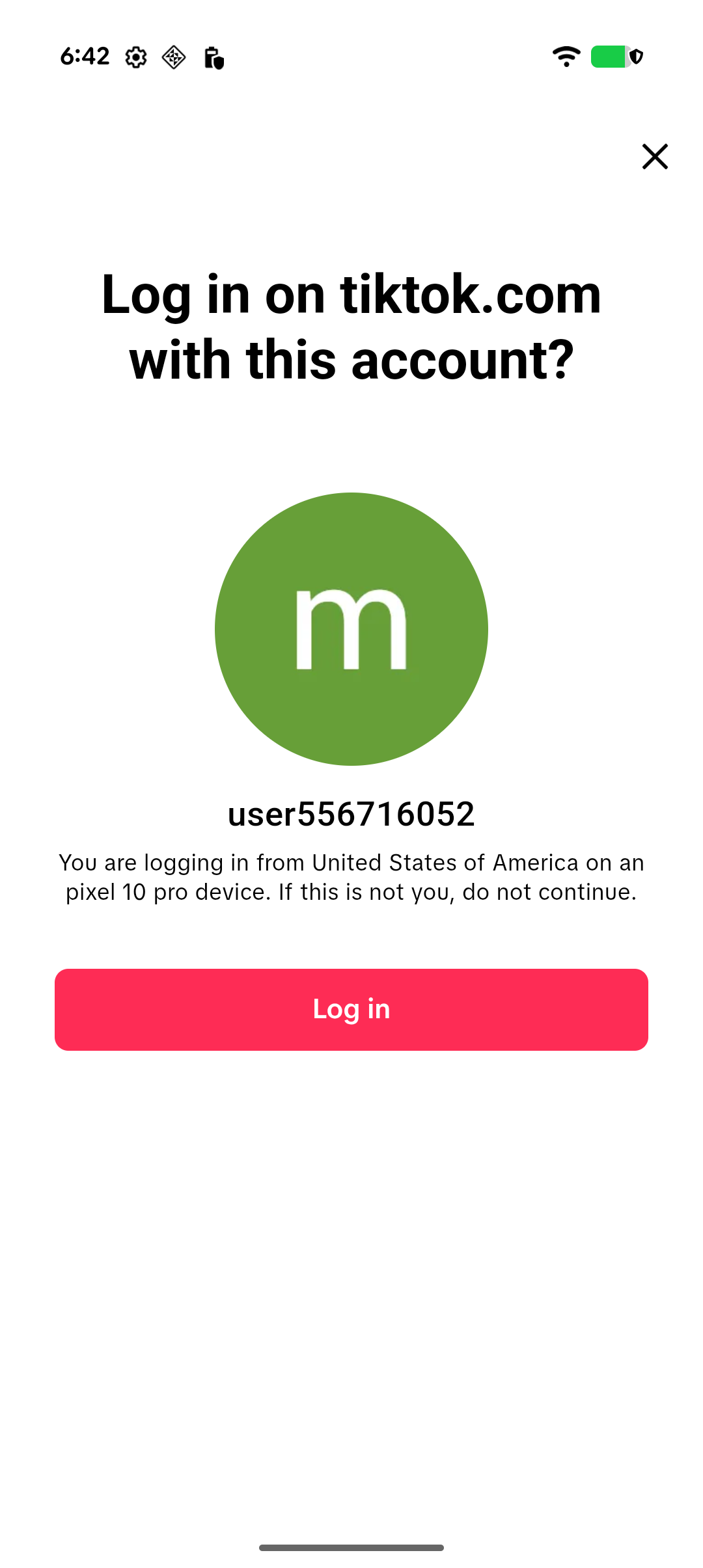
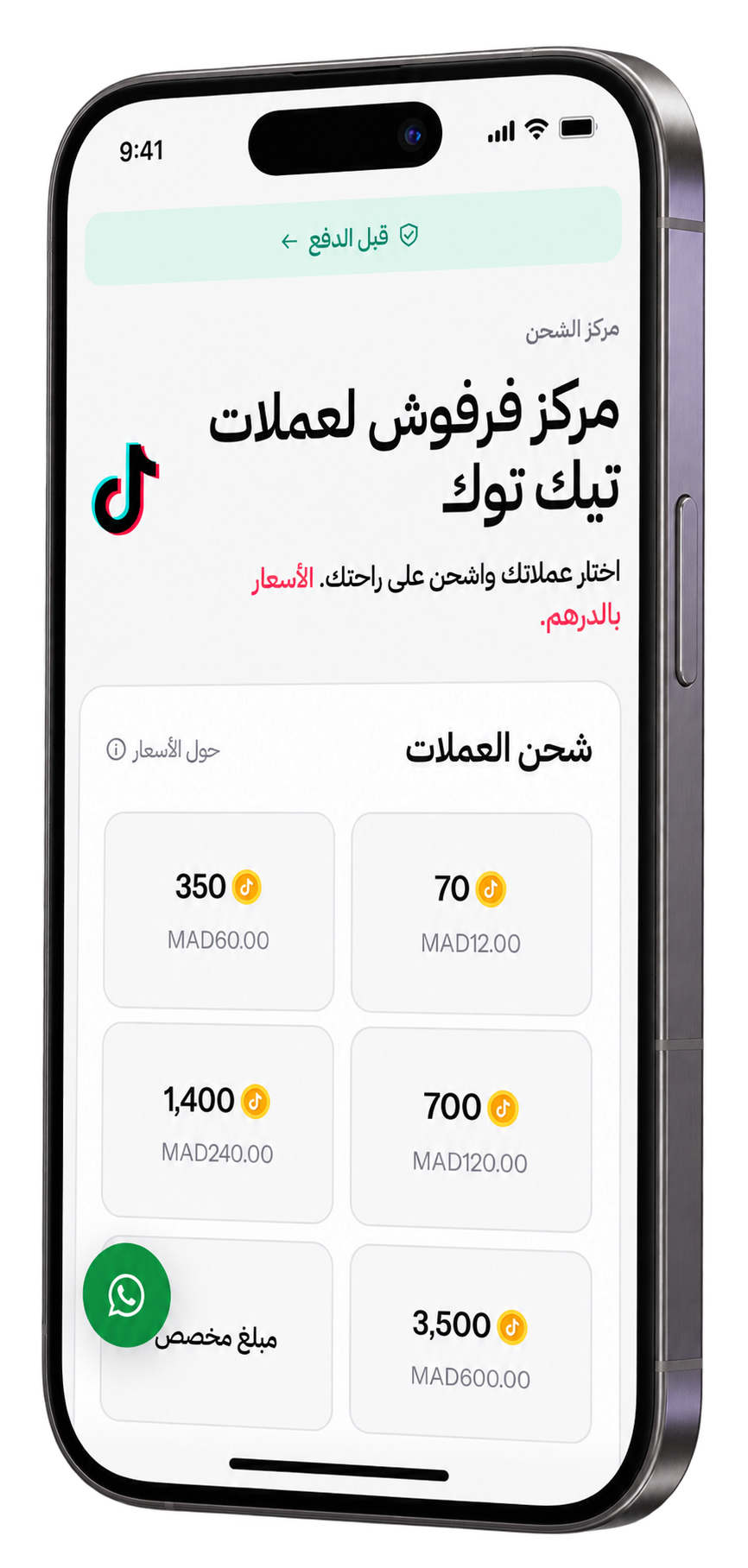
From connecting your account to choosing your Coins. A simpler journey, made for your phone.
Open the app and connect your account directly. No second screen needed.
Learn moreReview the login request inside TikTok and confirm it yourself.
Learn moreCome back to your profile and connected account from your phone, anytime.
Learn moreExplore packages, find your fit, and continue through the recharge steps.
Learn moreYour everyday, in your pocket.
Your phone is all you need. Here's how to connect your account and get started with farfosh.
Download the APK from this page and install it on your Android phone.
Open farfosh and tap Quick login with TikTok to start the connection.
Review the account and login request, then tap Log in. Return to farfosh and wait for the connection to finish.
Everything you need to know before you get started.
Visit the help center How to scan a QR code and connect your TikTok accountThe app is currently available for Android as an APK. You can use the website in your iPhone browser. The phone frames on this page are illustrative app previews.
No. Start the connection directly from your phone, then confirm the login request inside the TikTok app.
After tapping Quick login, open TikTok and review the account and login details. Only approve a request you started yourself, then return to farfosh without refreshing the page.
Make sure you confirmed the request in TikTok, return to farfosh, and wait for the connection. If it still doesn't complete, visit the help center or contact us.
No. Downloading the app and linking your account never require your TikTok password. You confirm the login yourself inside the TikTok app, so never type your password or a verification code into farfosh. If anyone asks for them in our name, don't share them and contact us directly.
Get farfosh and make your everyday a little simpler, from the very first tap.
Available for Android · Direct APK download